Bakeshot
Without a simulator or a device,generate real iOS app screens.
Renders your SwiftUI views straight to PNG. Your agent sets up the state to shoot.
Public beta
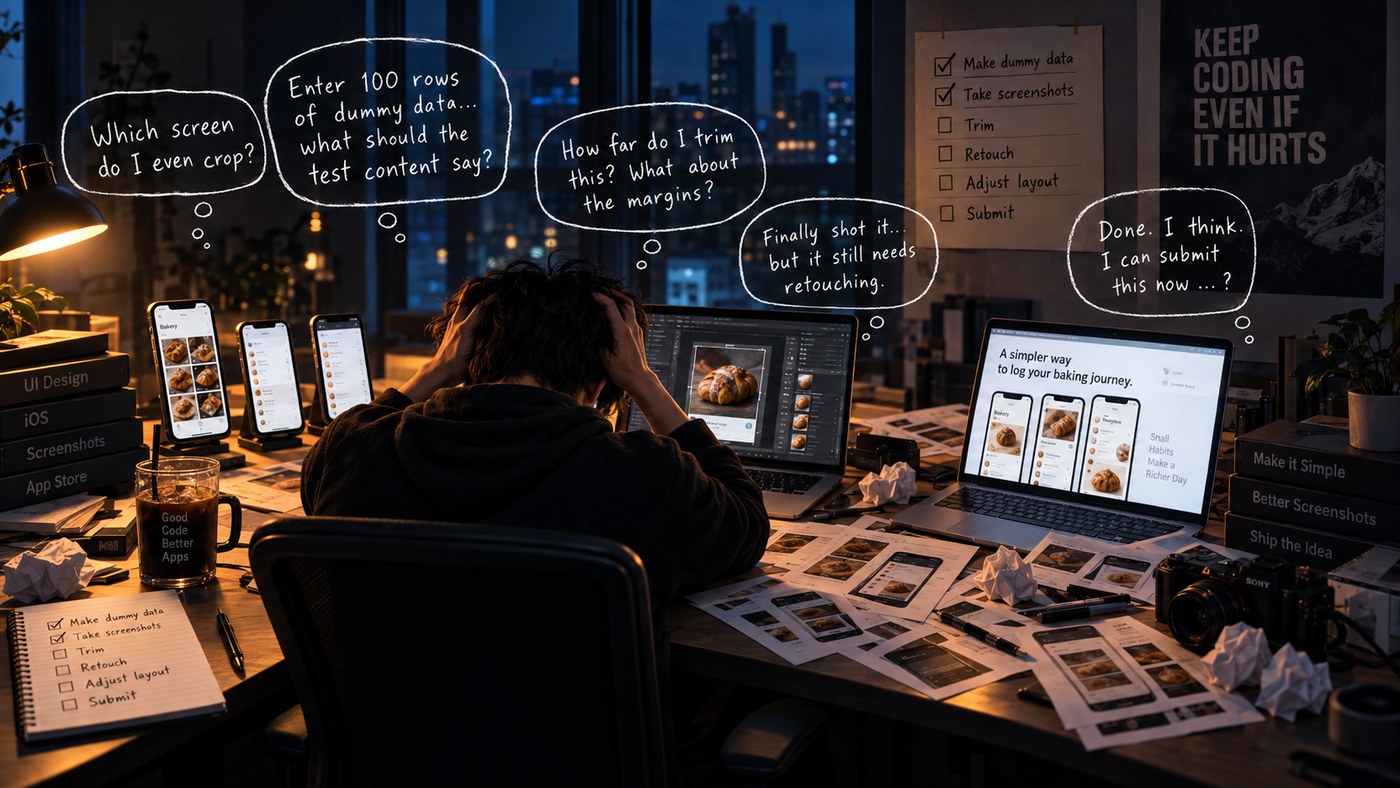
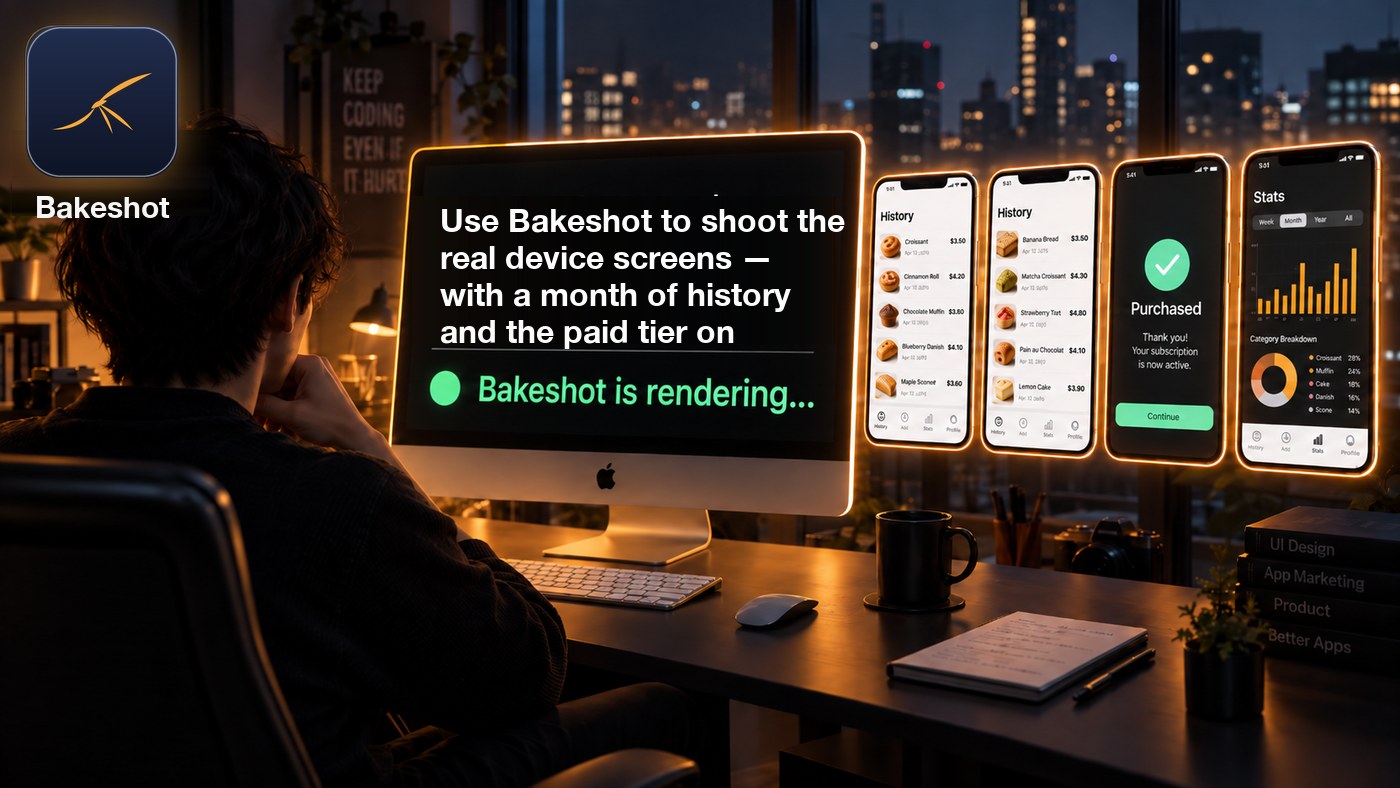
This is not a screenshot decorator
Store artwork is an app screen with a background and a caption laid over it. The usual tools do that decorating. Bakeshot does the step before it: producing the screen that gets decorated.
A screenshot decorator
- Takes the screenshots you already captured
- Adds a device frame, a background, a caption
- Exports store artwork at every required size
- It is image editing
Bakeshot
- Runs your app and draws the screen itself
- Builds the state first — a month of history, the paid tier, an empty list
- No simulator, no device, no tapping through the app
- It is rendering, not image editing
What Bakeshot hands you is the screen exactly as a device draws it. Turning that into store artwork is the next job, and the tools above are good at it.
Who it is for
The work multiplies: apps × releases × languages. The bigger that number, the more this saves.
- Agencies and contract worka new app arrives with every client
- Localized appsfive languages means five times the shots, every release
- Anyone running ASOproduct page optimization takes up to three variants, and every test needs fresh material
- Several apps at oncethe same release chore, once per app
If you ship once or twice a year in one language, doing it by hand is probably faster than setting this up.
What Bakeshot does
You say which screens you want. Your agent turns that into a Swift scene script. Bakeshot builds your app, runs it on your Mac as a real iOS binary, and draws the view.
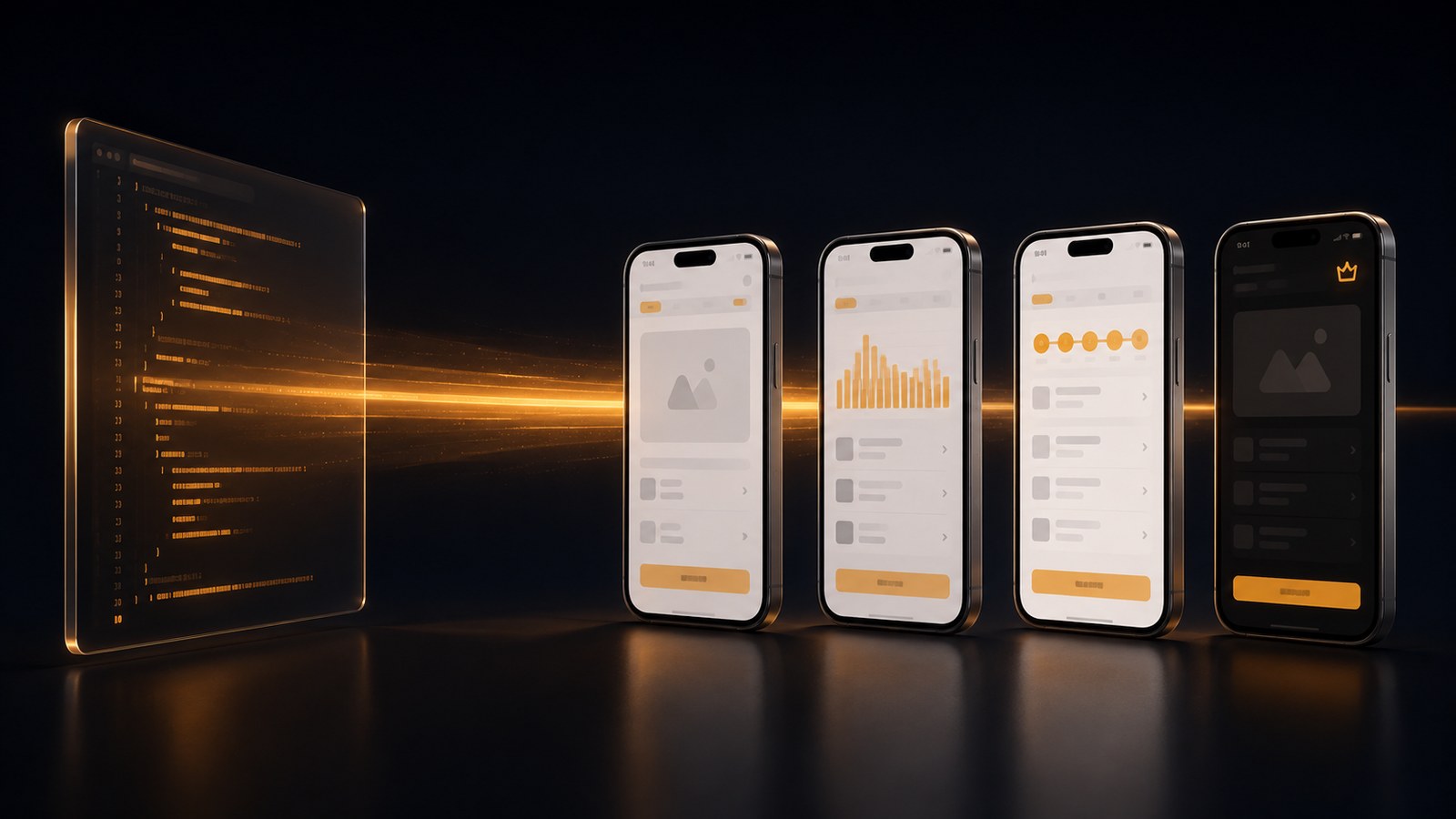
Nothing is simulated or mocked up: these are your real views, your real fonts and assets, rendered by iOS.
Your agent builds the demo state
A month of history is a few lines of Swift, and your agent writes them. So is the paid tier, the empty state, the error state. Your app never has to reach it.
Rendered by iOS, not mocked up
Your app runs on your Mac as a real iOS binary. Real views, real fonts, real assets — the same UI your users see.
Your project is never modified
Bakeshot works on a hidden throwaway copy of the .xcodeproj and deletes it afterwards. Nothing is left behind.
How to use it
pip install bakeshot
cd MyApp
bakeshot init
Then tell your coding agent:
Use Bakeshot to shoot the real device screens — a month of history, paid tier on
init writes the instructions to Bakeshot/AGENT.md, so the agent reads your models and views, writes the scene script, runs the render, fixes whatever crashed, and tells you where the images are. Claude Code gets the same text in .claude/skills/ and picks it up on its own; any other agent just needs pointing at AGENT.md.
Sample output
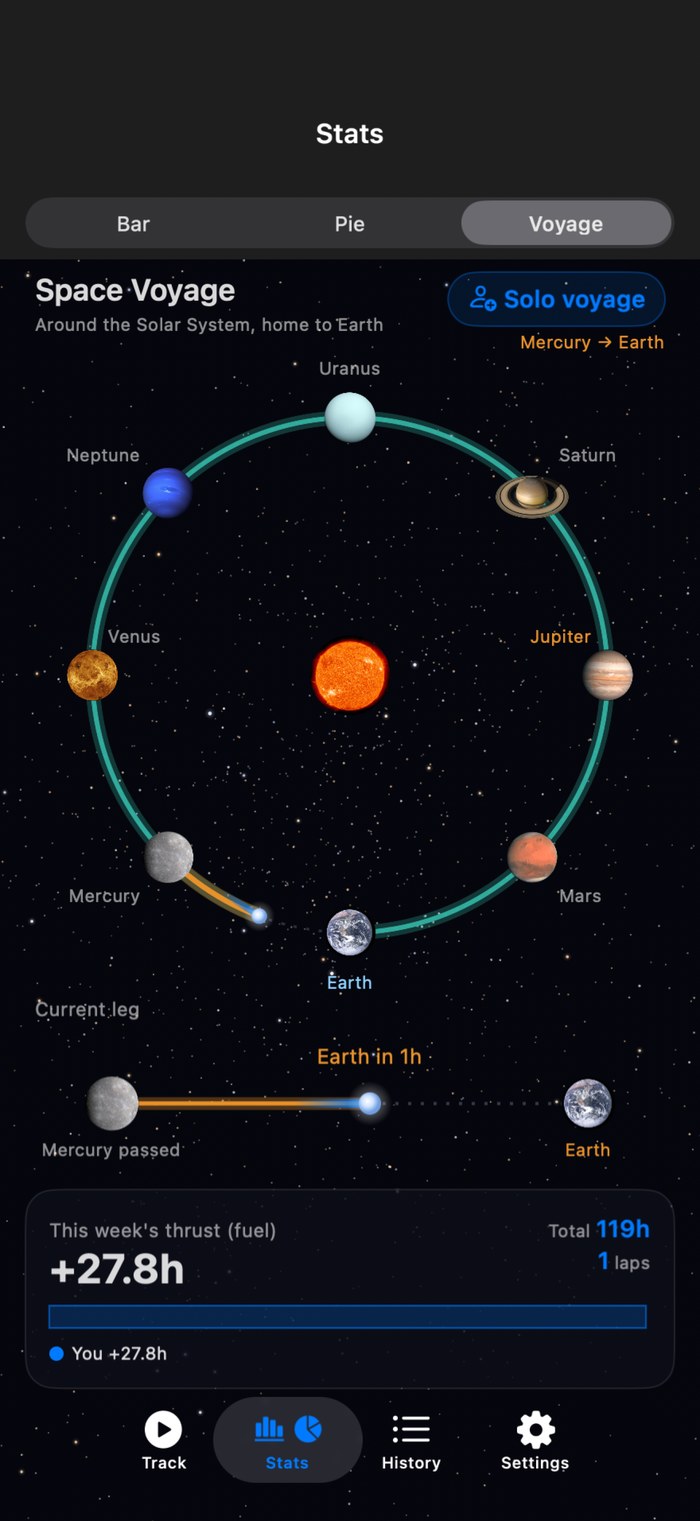
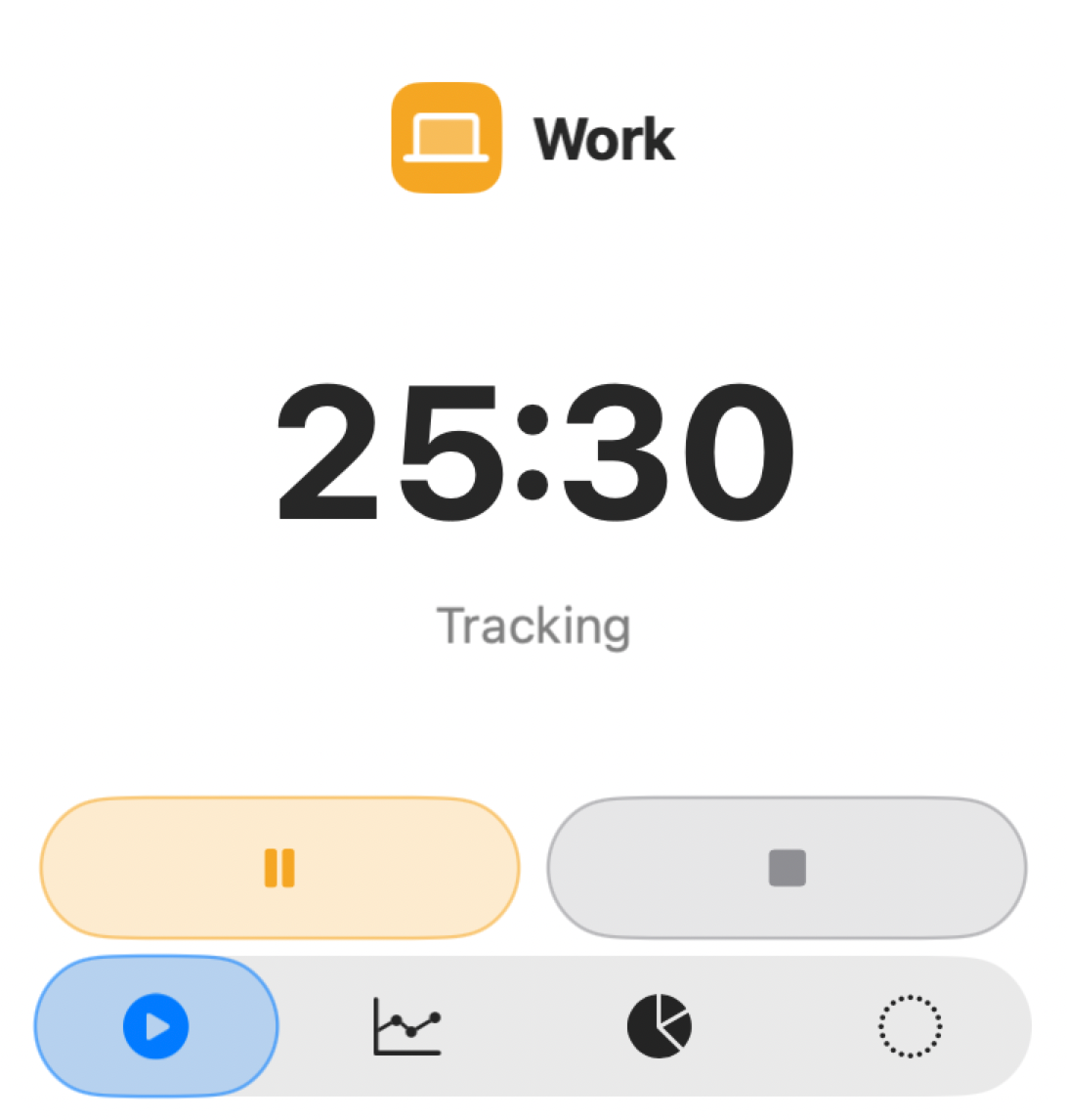
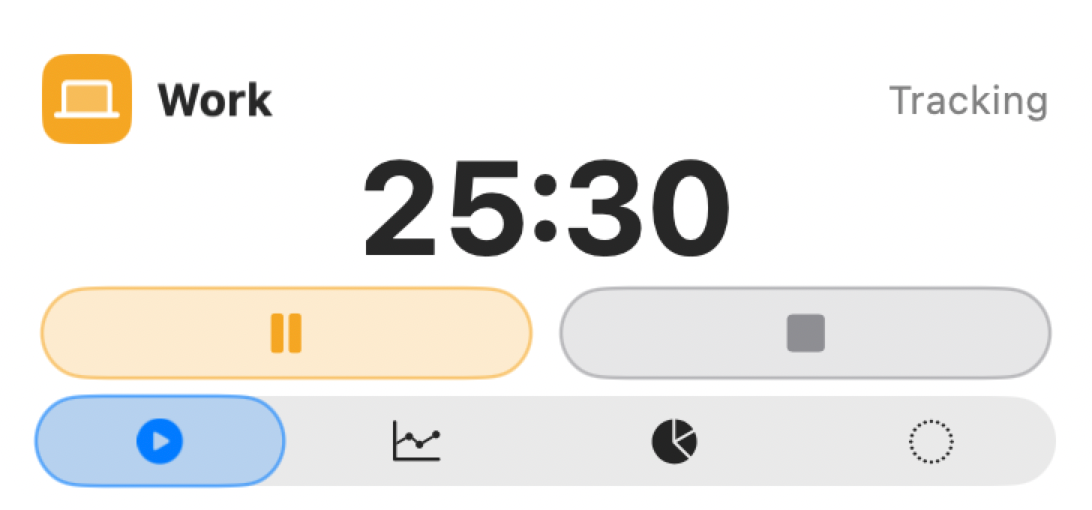
Every image below was written out by Bakeshot. App screens and widgets alike: Bakeshot takes your Swift code and renders the actual screen.
Price
| Plan | What you can shoot | Price |
|---|---|---|
| Free | Every screen in your app. All sizes, all languages. | $0 |
| Widgets | Everything above, plus every widget family. | Coming soon |
| Team | Everything above, plus several projects and CI. | $199 / year |
Widget rendering is free while Bakeshot is in public beta. A key you pick up now keeps working for free after that; the regular price will be $49 a year.
Updates for new Xcode versions are guaranteed.
Requirements
Apple silicon Mac with Xcodegem install --user-install xcodeprojYour app must be signable with your own team — the setup you already build with
bakeshot init checks all of this and tells you what is missing.